Write them
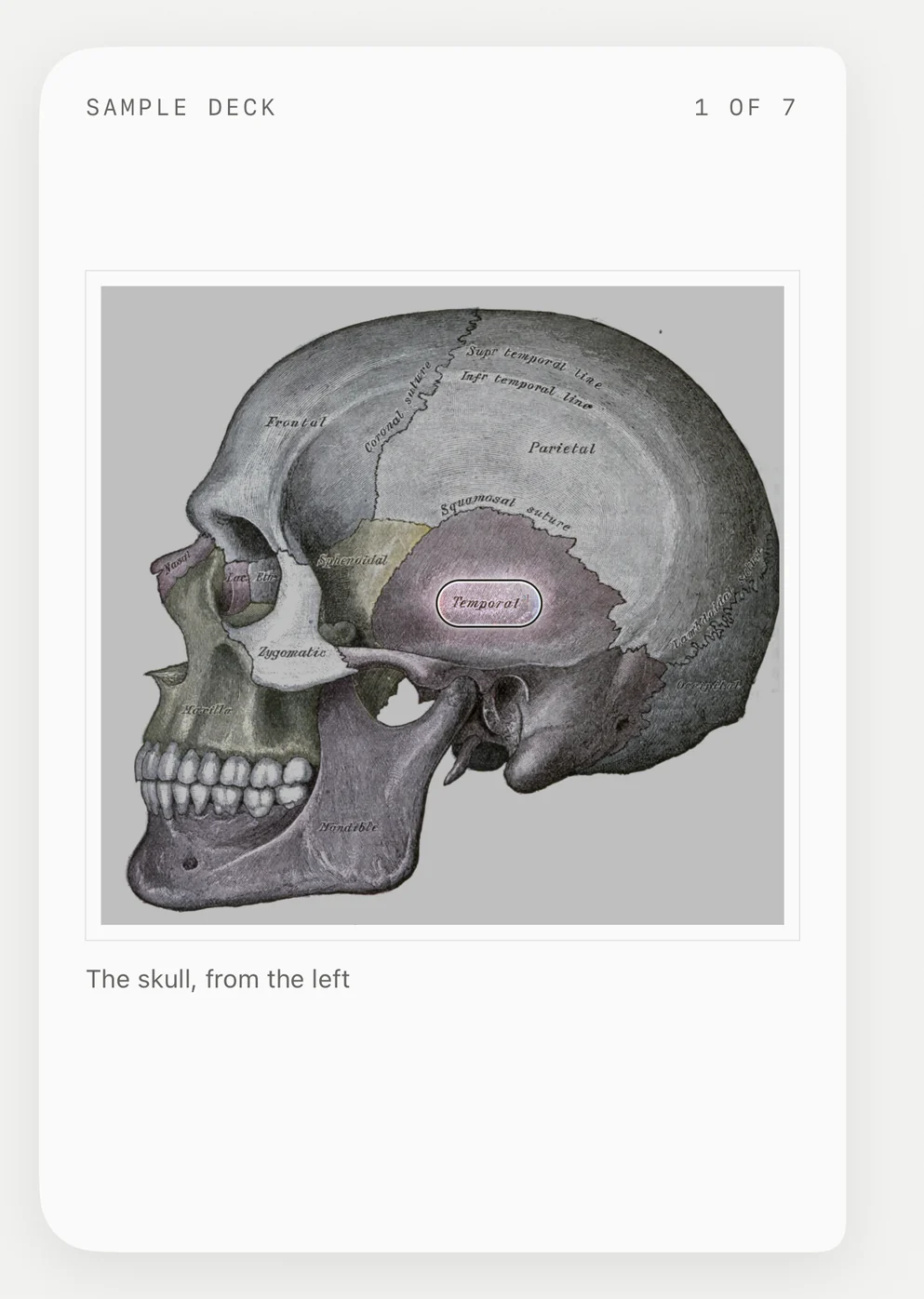
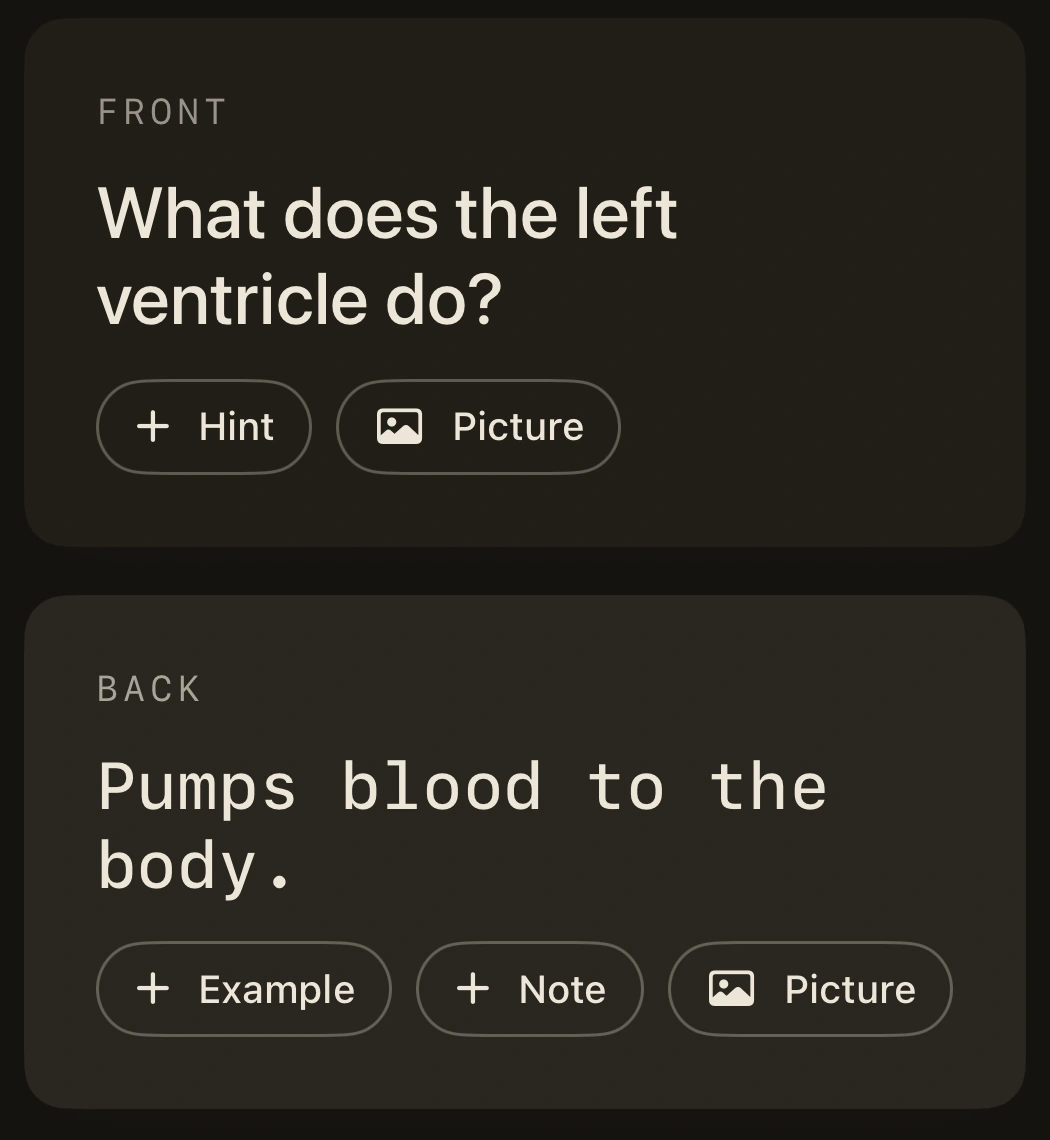
A question on the front, the answer on the back, with a hint, an example, a note or a picture.

Tap the answer to show a letter, or use the arrow keys. Home hides it, and End shows it all.
Scroll to reveal
This card comes back soon, for another try. The exact timing also depends on your earlier answers.You revealed nothing. That tells the app this card can wait longer. The exact timing also depends on your earlier answers.You revealed most of the answer. Revealing that much brings it back sooner. The exact timing also depends on your earlier answers.A few letters were enough. Revealing less lets the card wait longer. The exact timing also depends on your earlier answers.
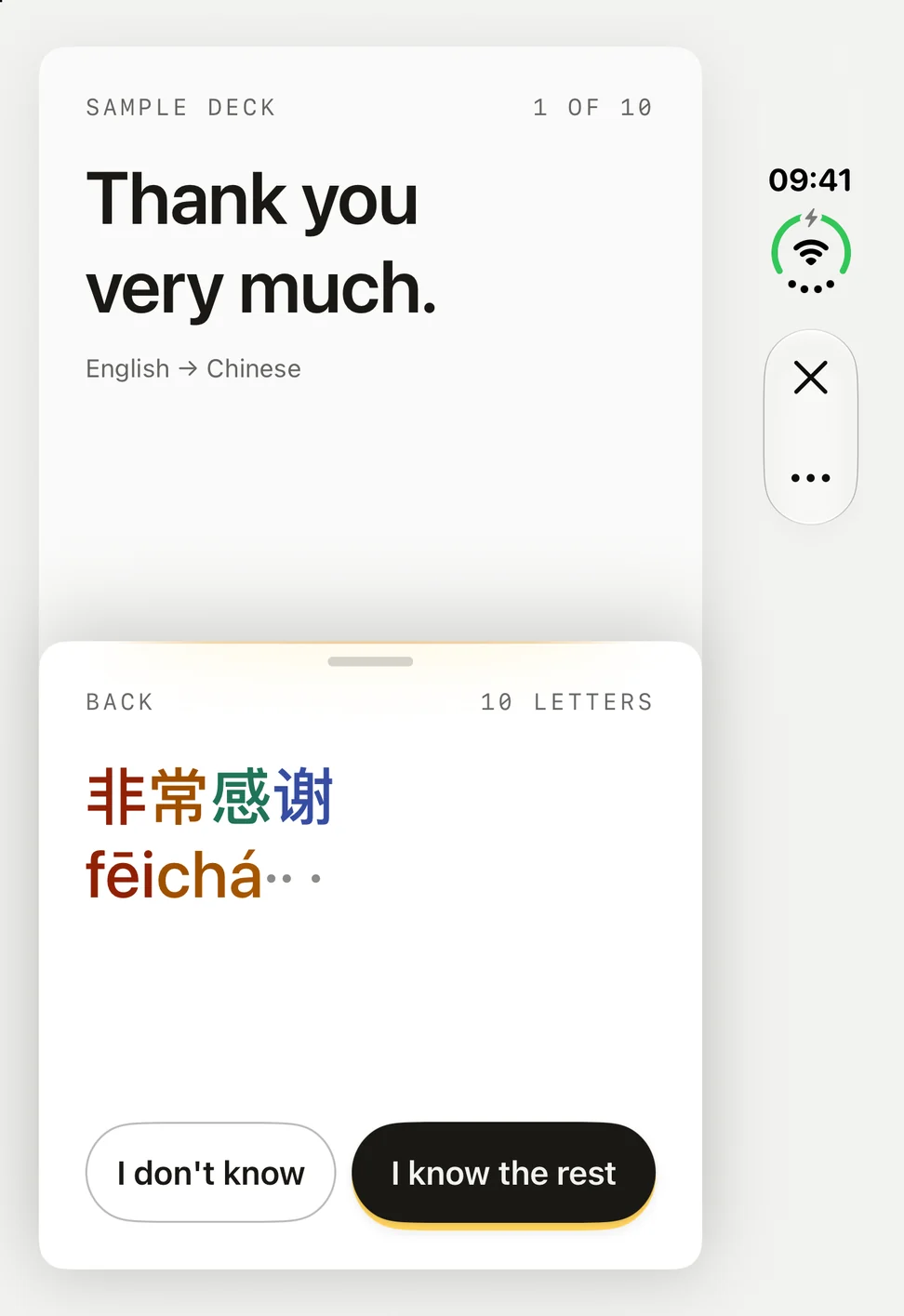
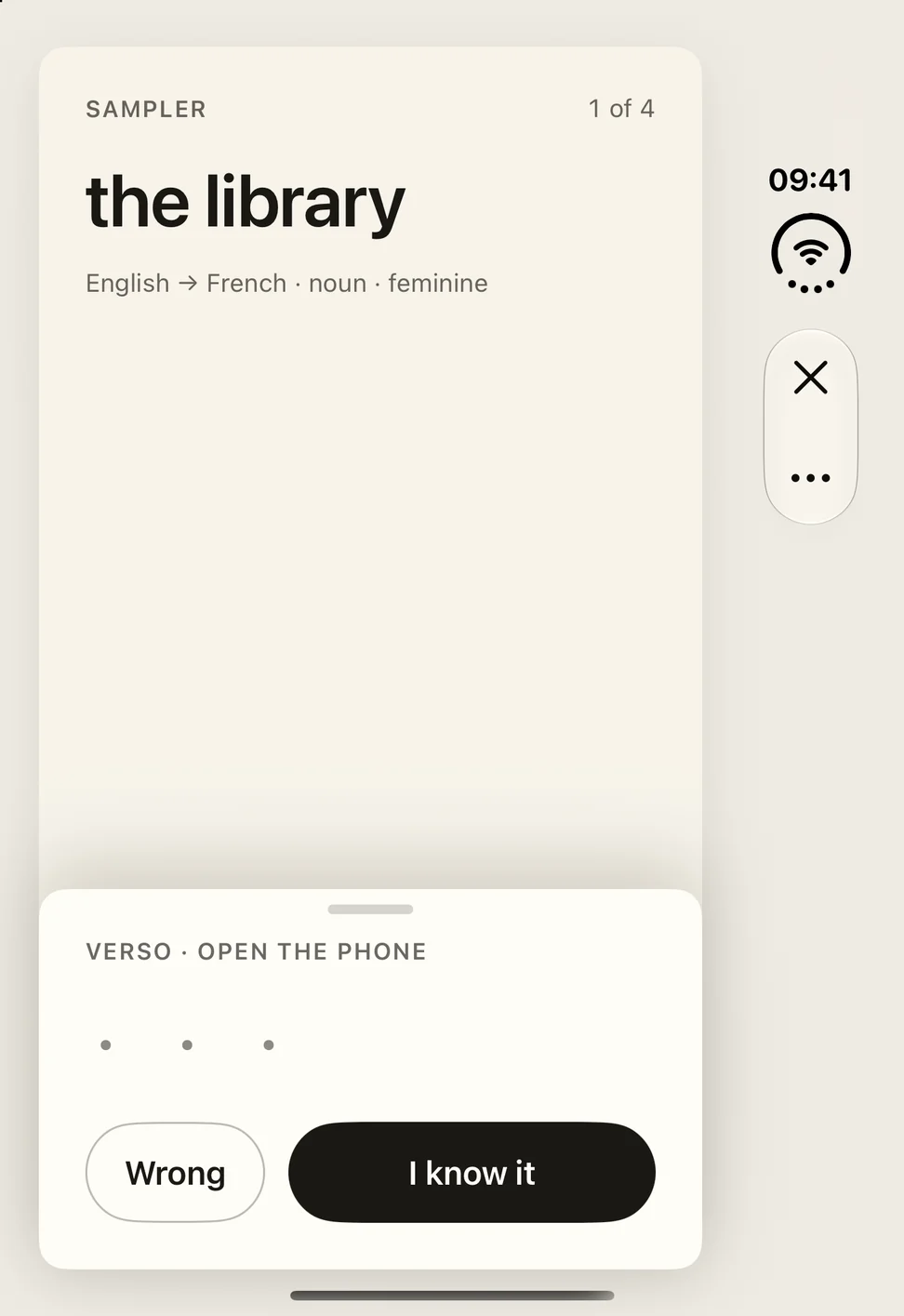
Study without rating yourself. Slide the answer up, or open iPhone Duo, and stop as soon as you know it. How much you peeked decides when the card comes back.
“9 Unique Apps to Try on the iPhone Duo”
 RectoVersoUS$17.99


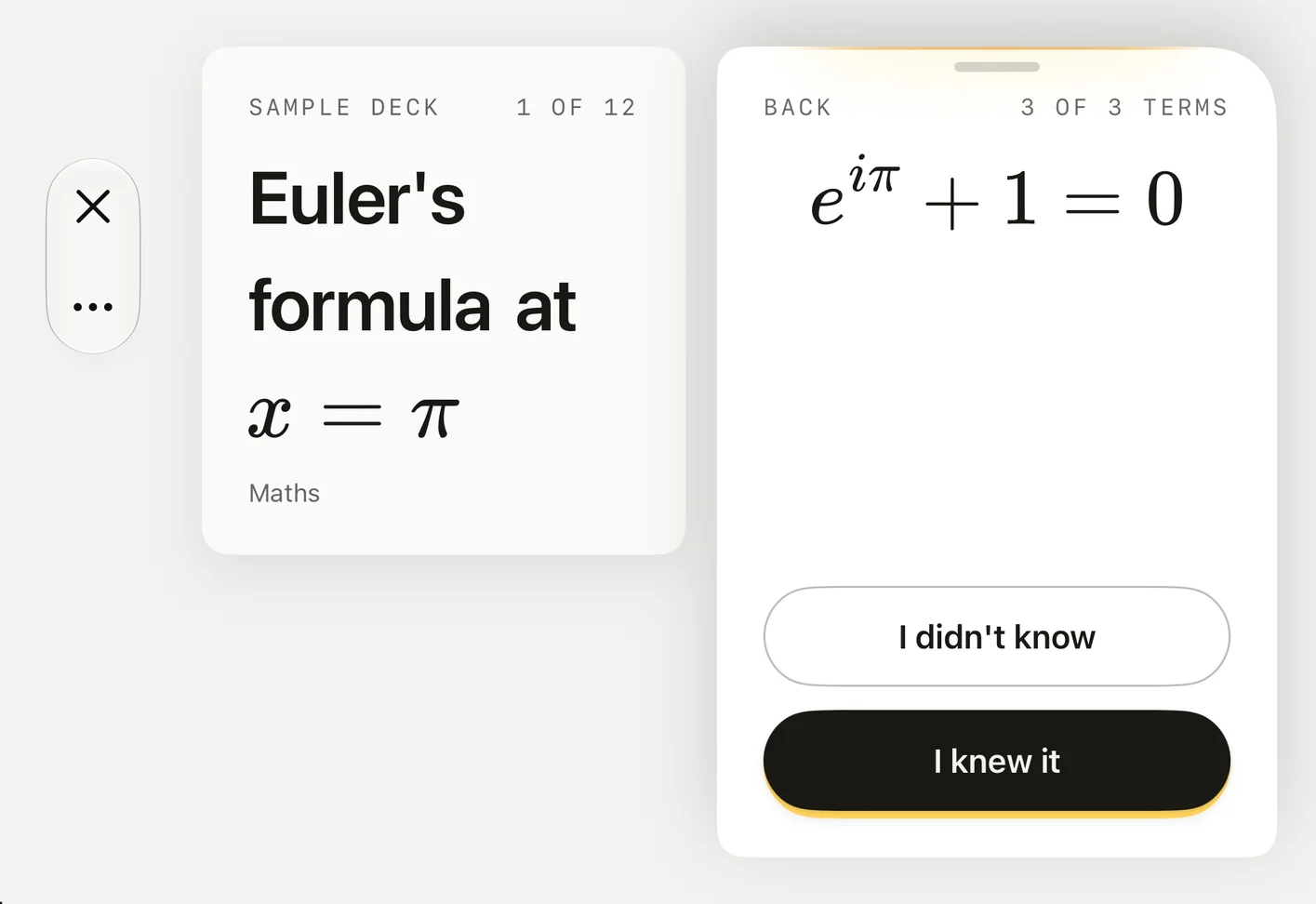
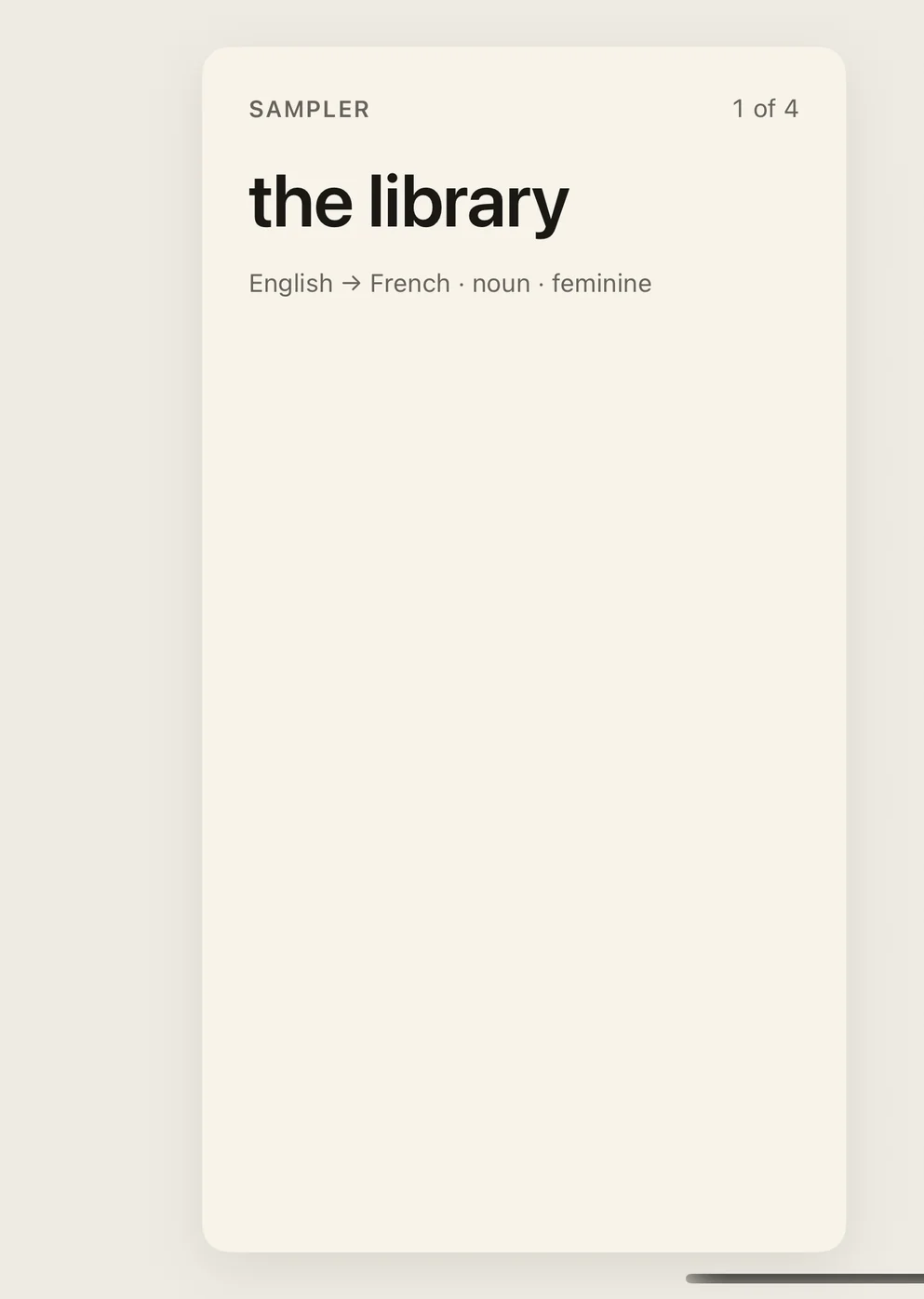
FrontThe question stays on the left.
BackThe answer comes in on the right, as the hinge opens.
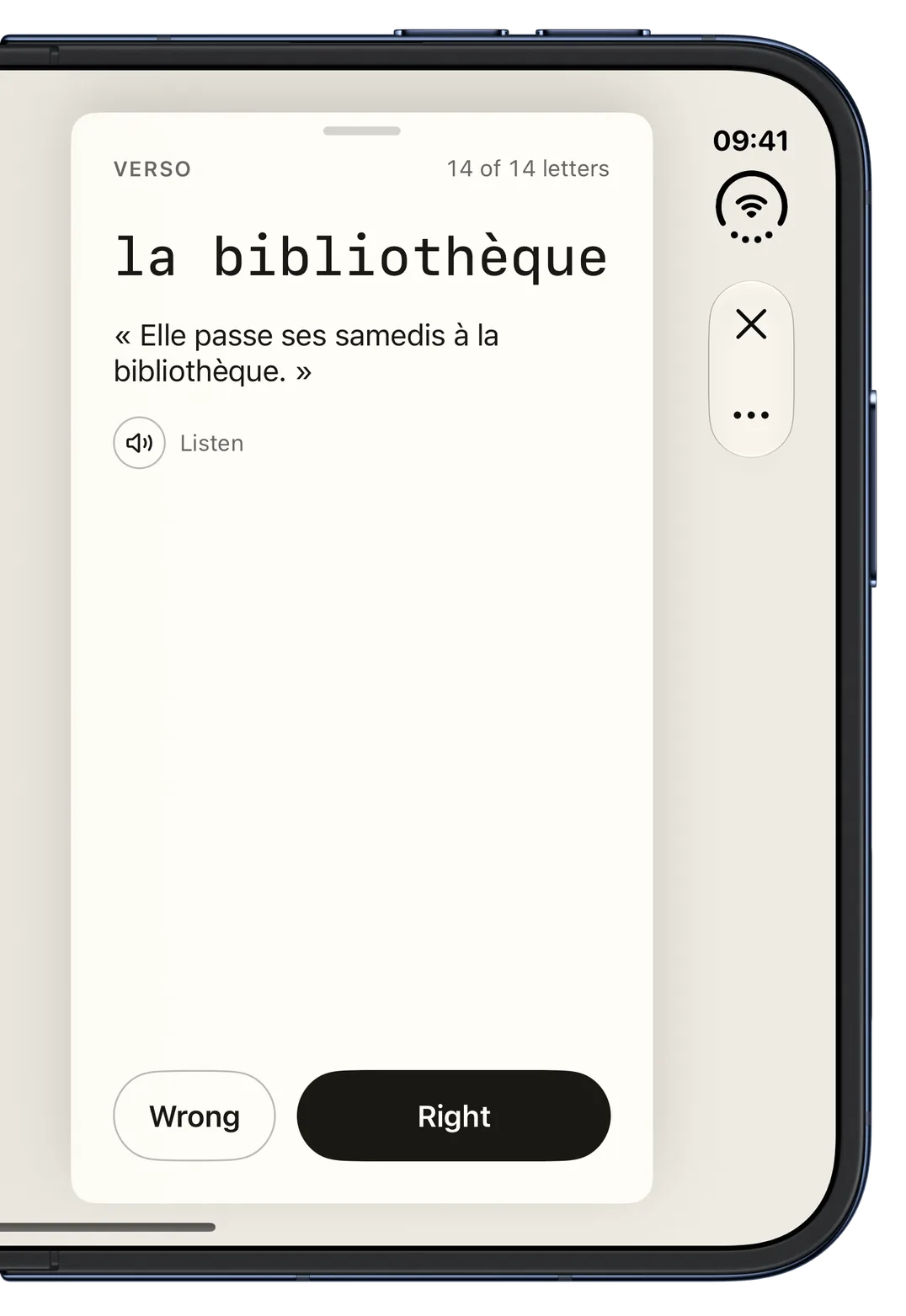
FSRS-6, a spaced repetition scheduler, sets the schedule. The schedule changes in steps, not with every extra letter, and the bars show the order, not exact waits. Once a card is past its first steps, I know the rest with 1 to 8 of these 14 letters revealed is Good, and with 9 or more it is Hard. I knew it, after all 14 show, is Hard too. A new card, or one you are relearning, gets Good as soon as any of the answer is revealed. The actual wait also depends on the card's history and your retention target, so two ratings can land on the same day.
Read the researchBring your decks with their pictures, sounds, due dates and review history. FSRS-6, which Anki offers too, schedules every card.
Export your cards back to Anki whenever you want.
Scroll or use the left and right arrow keys to browse the sample cards.
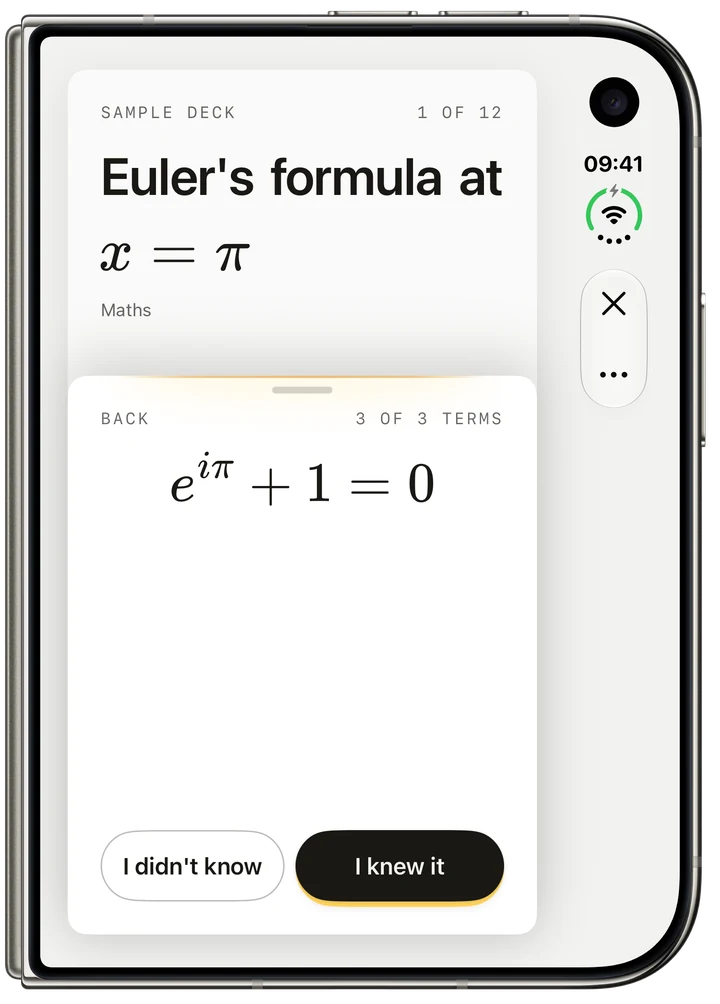
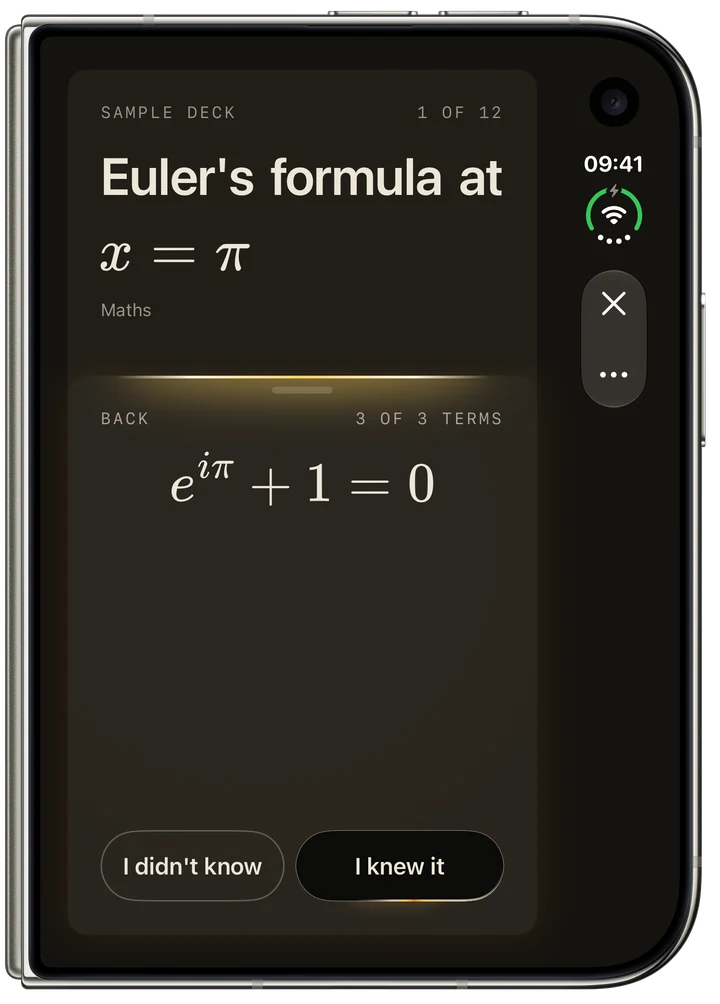
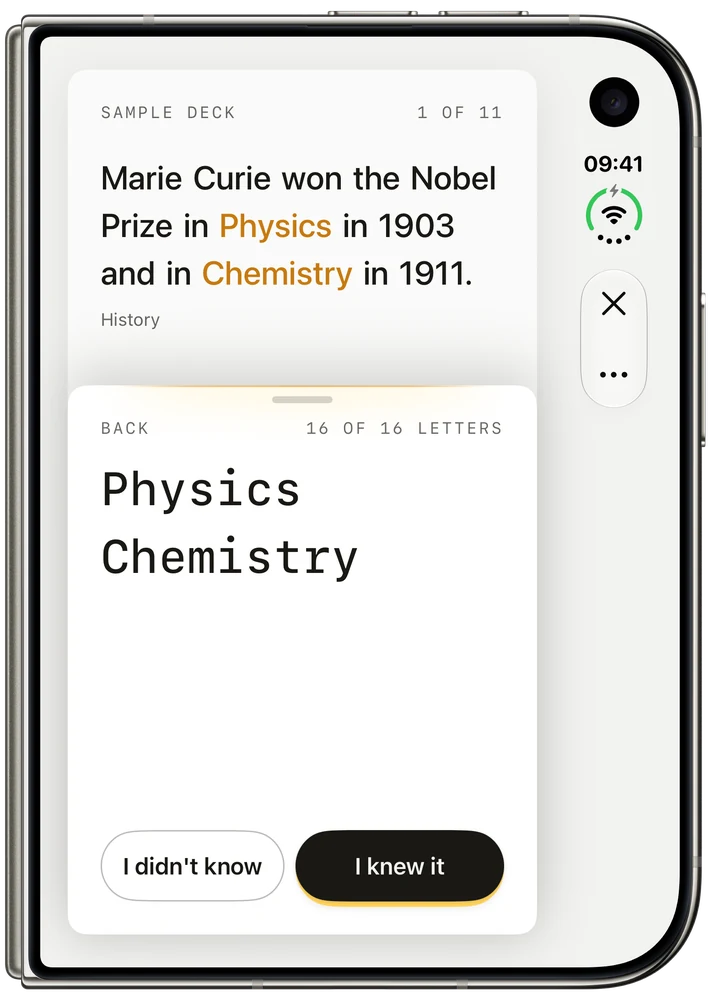
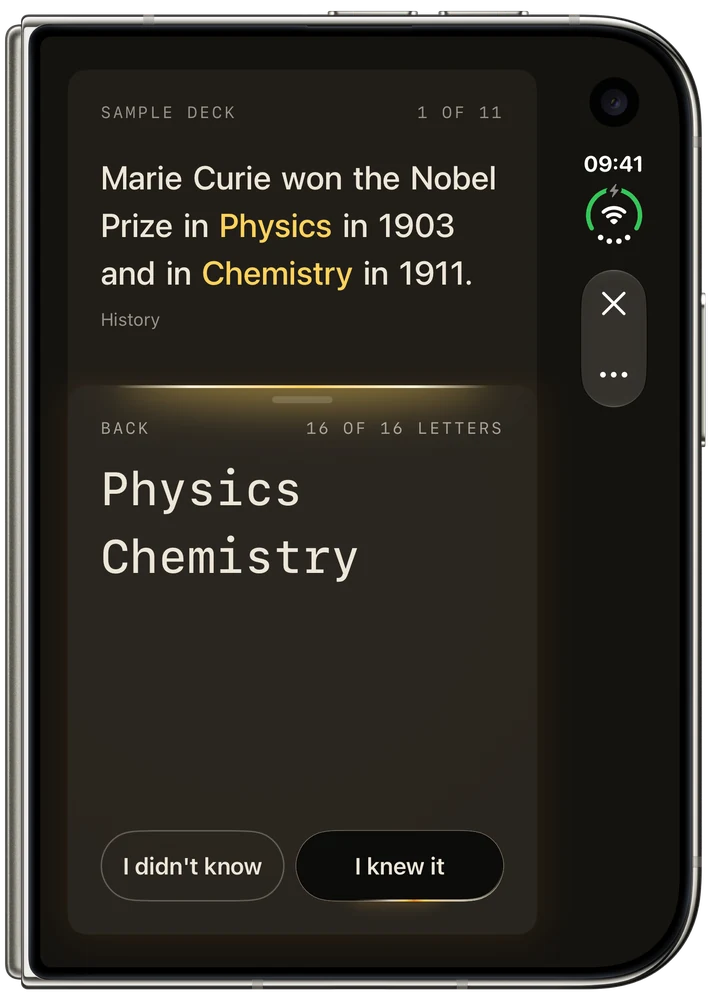
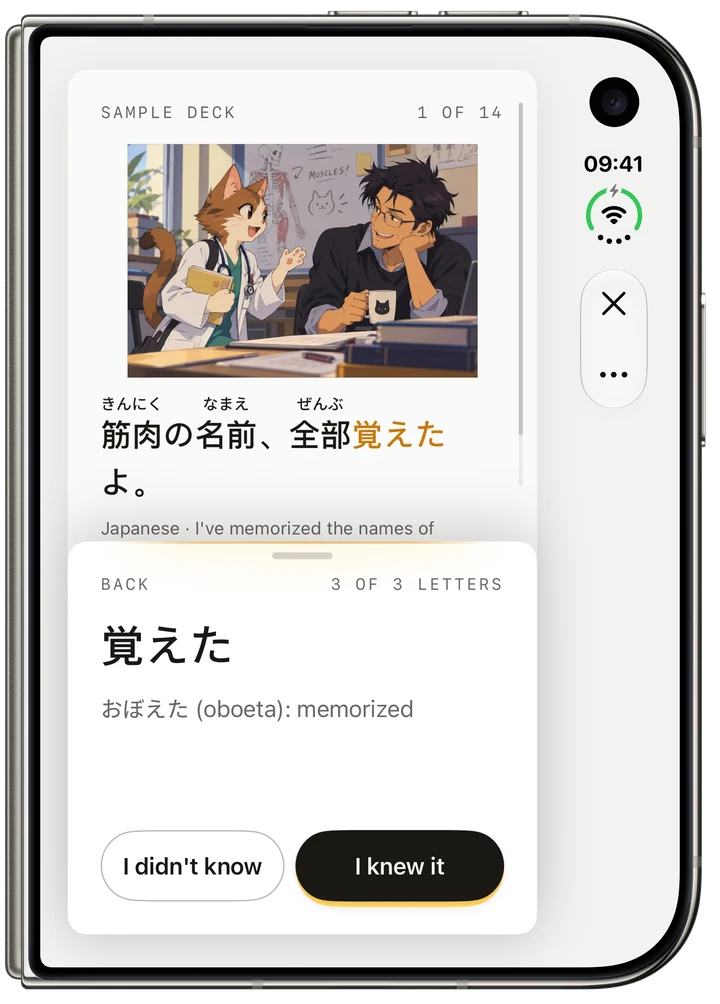
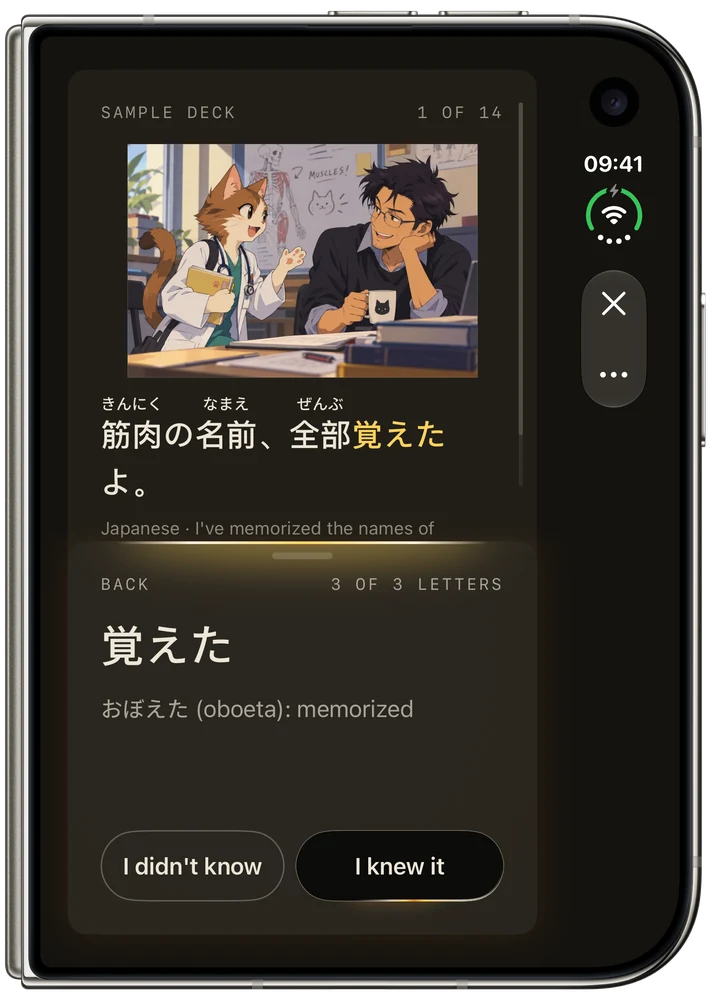
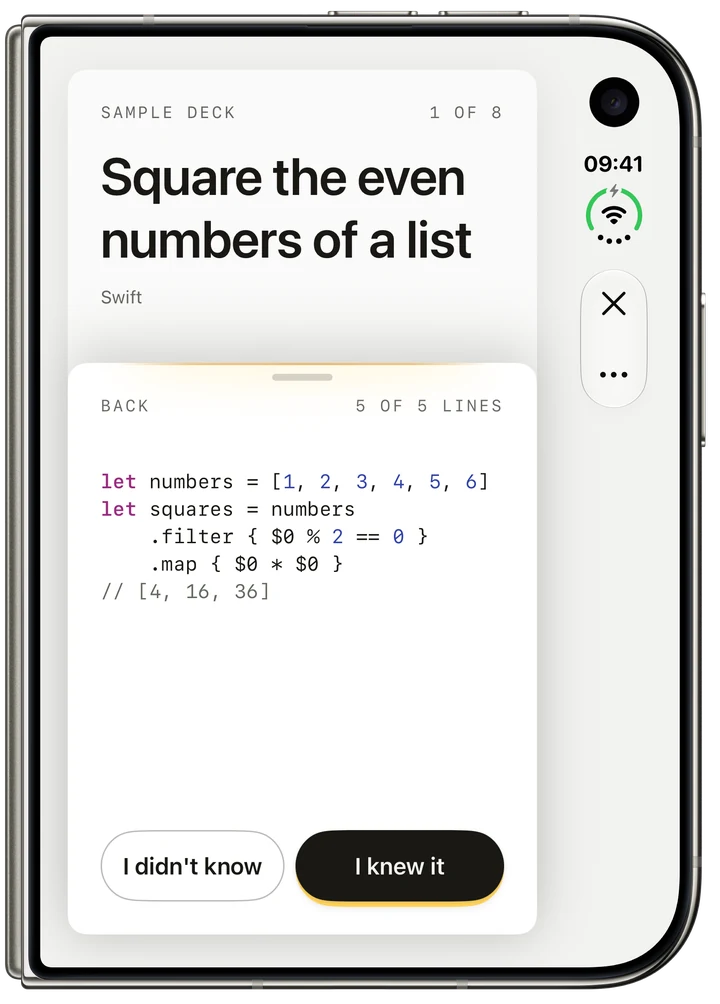
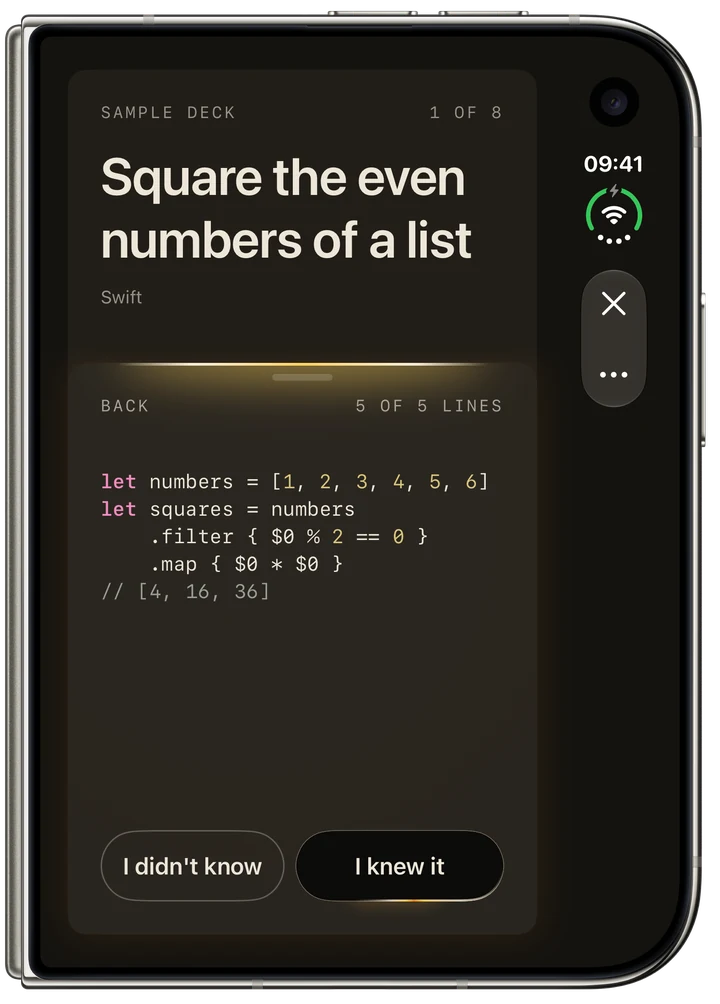
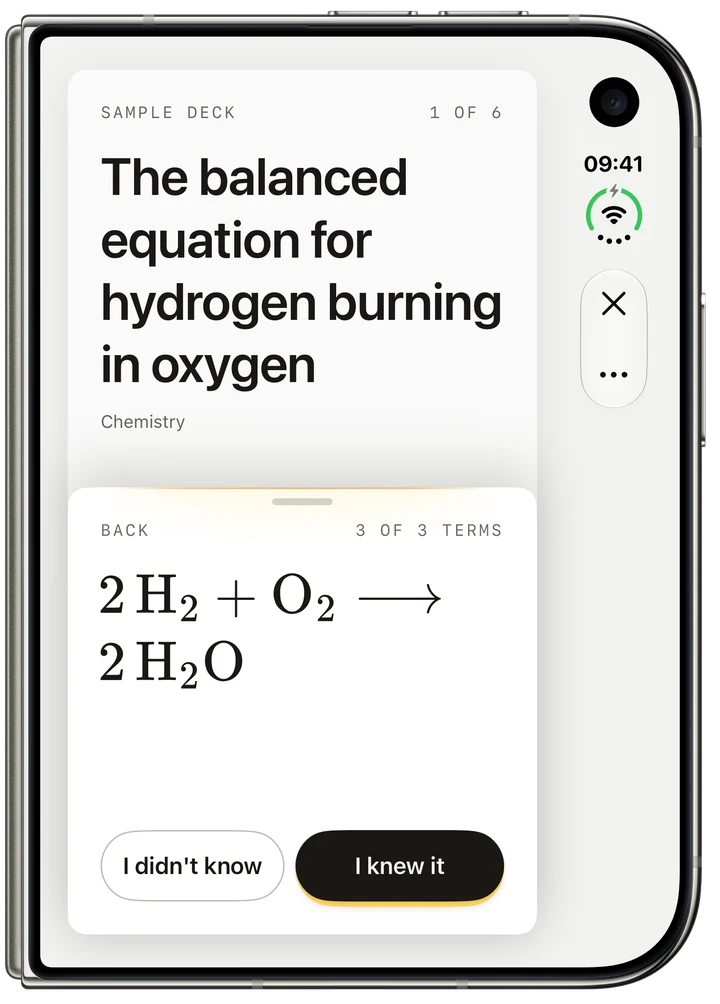
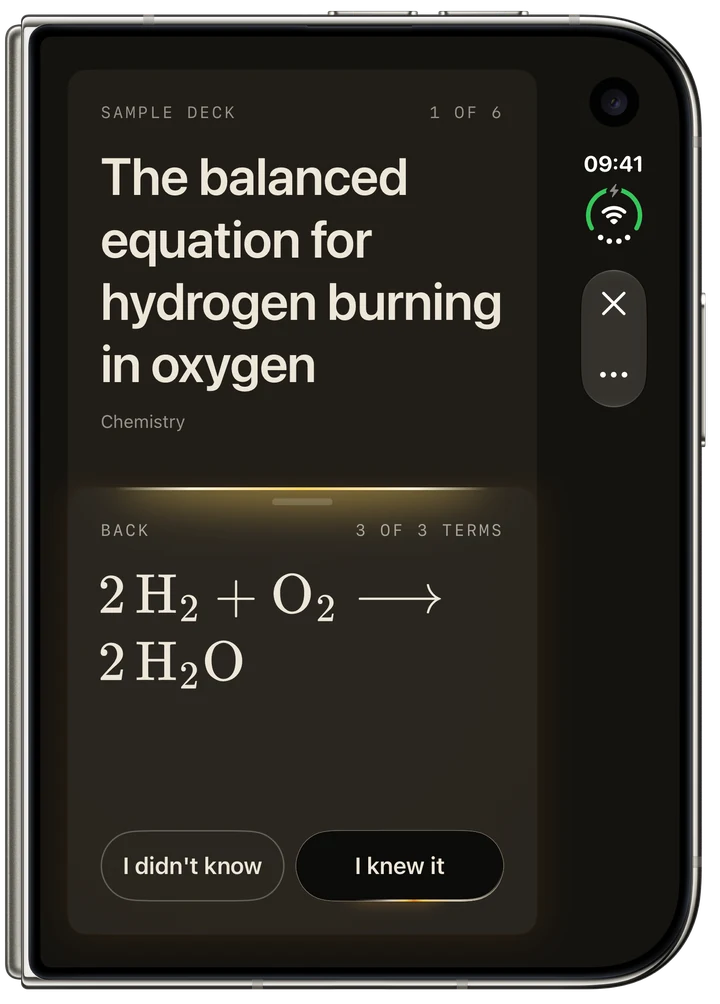
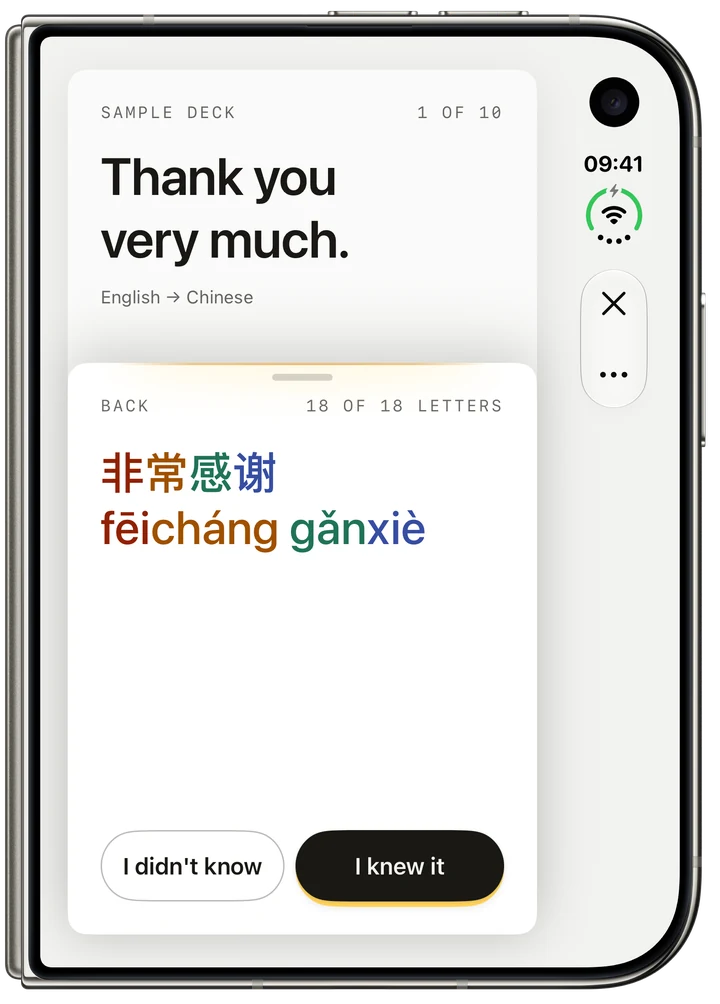
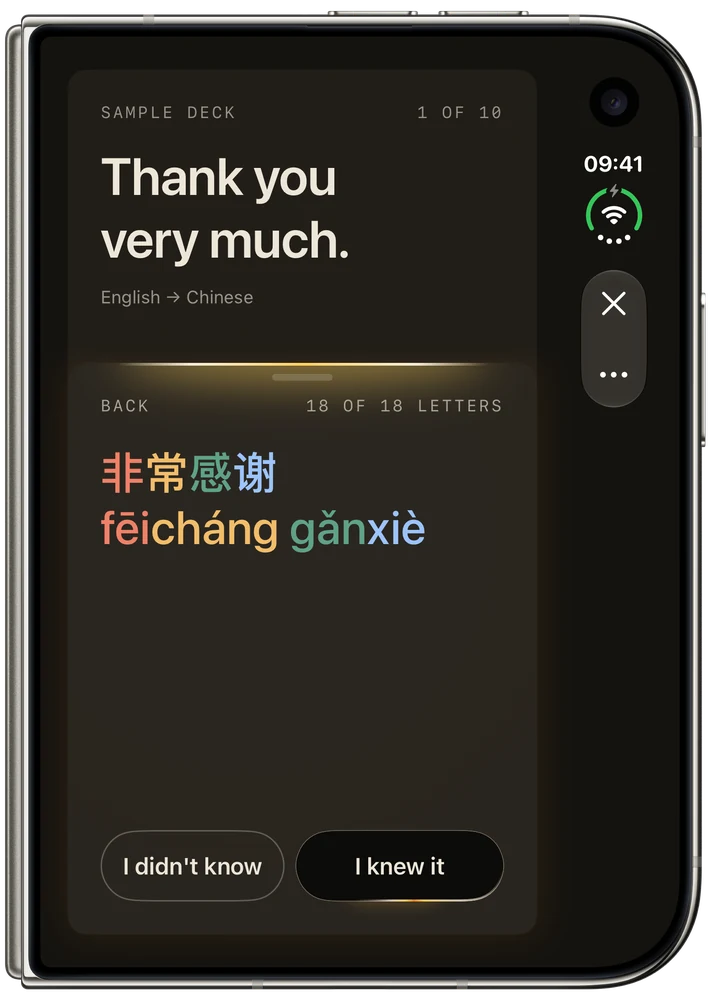
A question on the front, the answer on the back, with a hint, an example, a note or a picture.
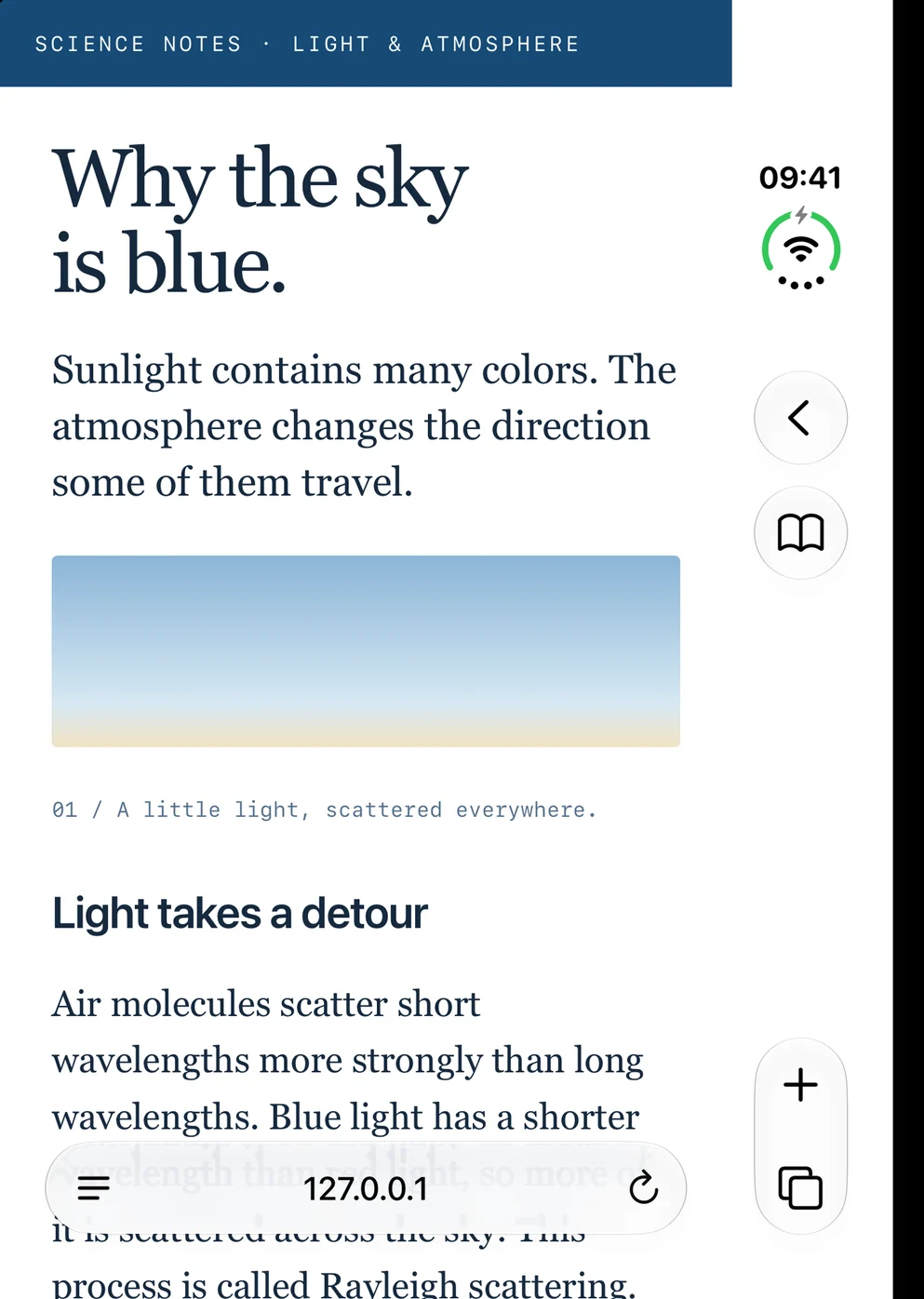
Share a web page, a PDF or selected text. Apple Intelligence drafts cards from English text on your iPhone. Check them before adding them to a deck.


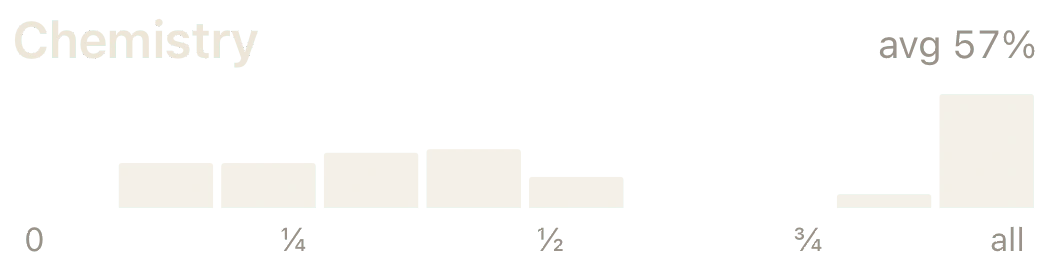
Follow your retention, how much of each answer you revealed, and your upcoming reviews.

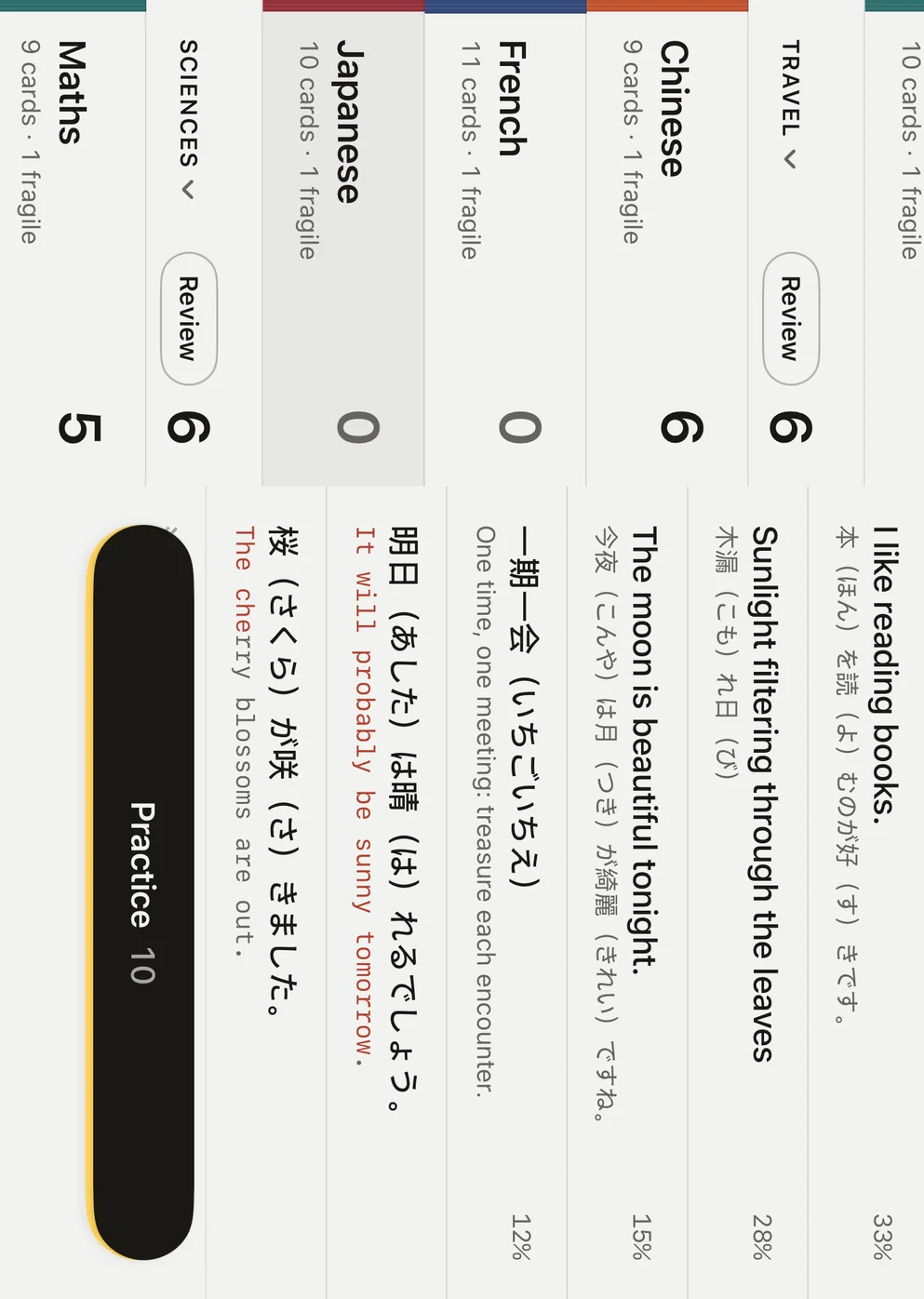
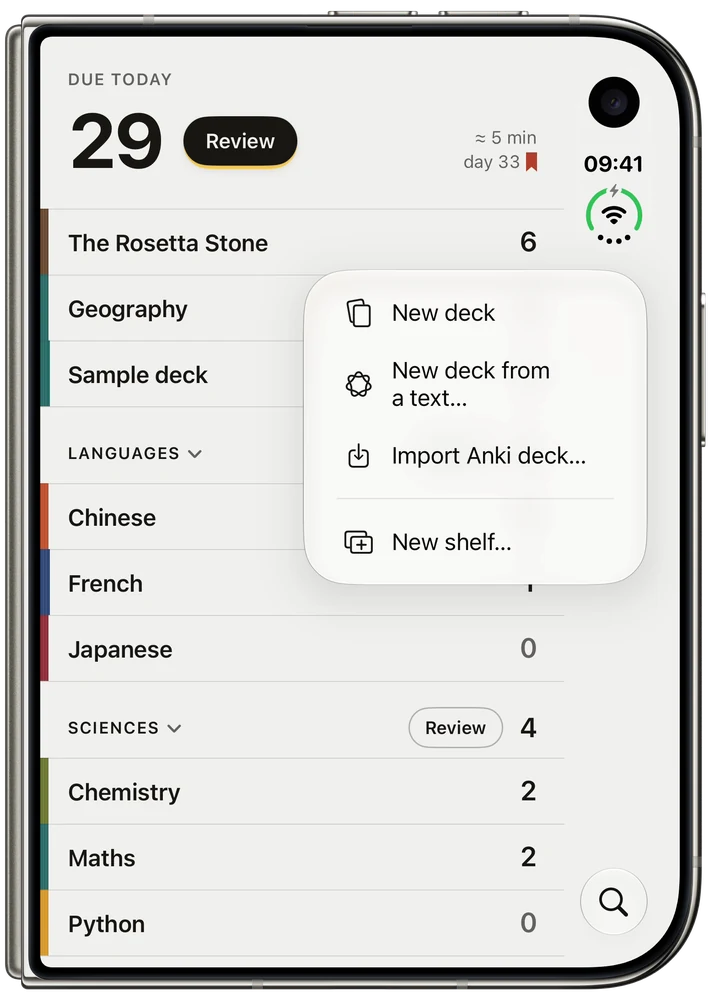
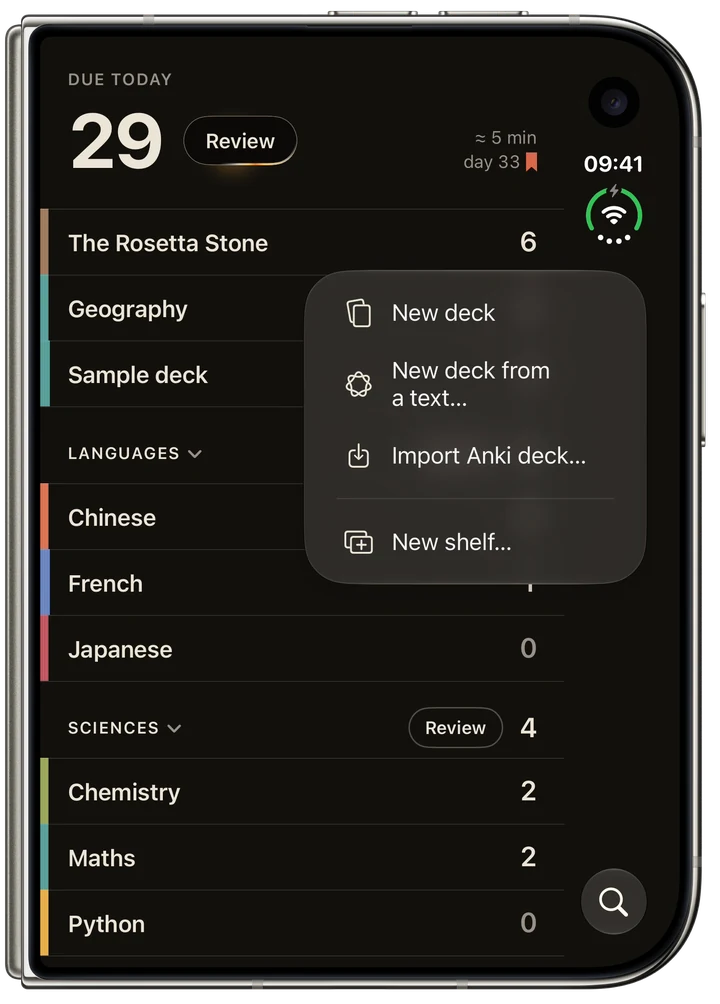
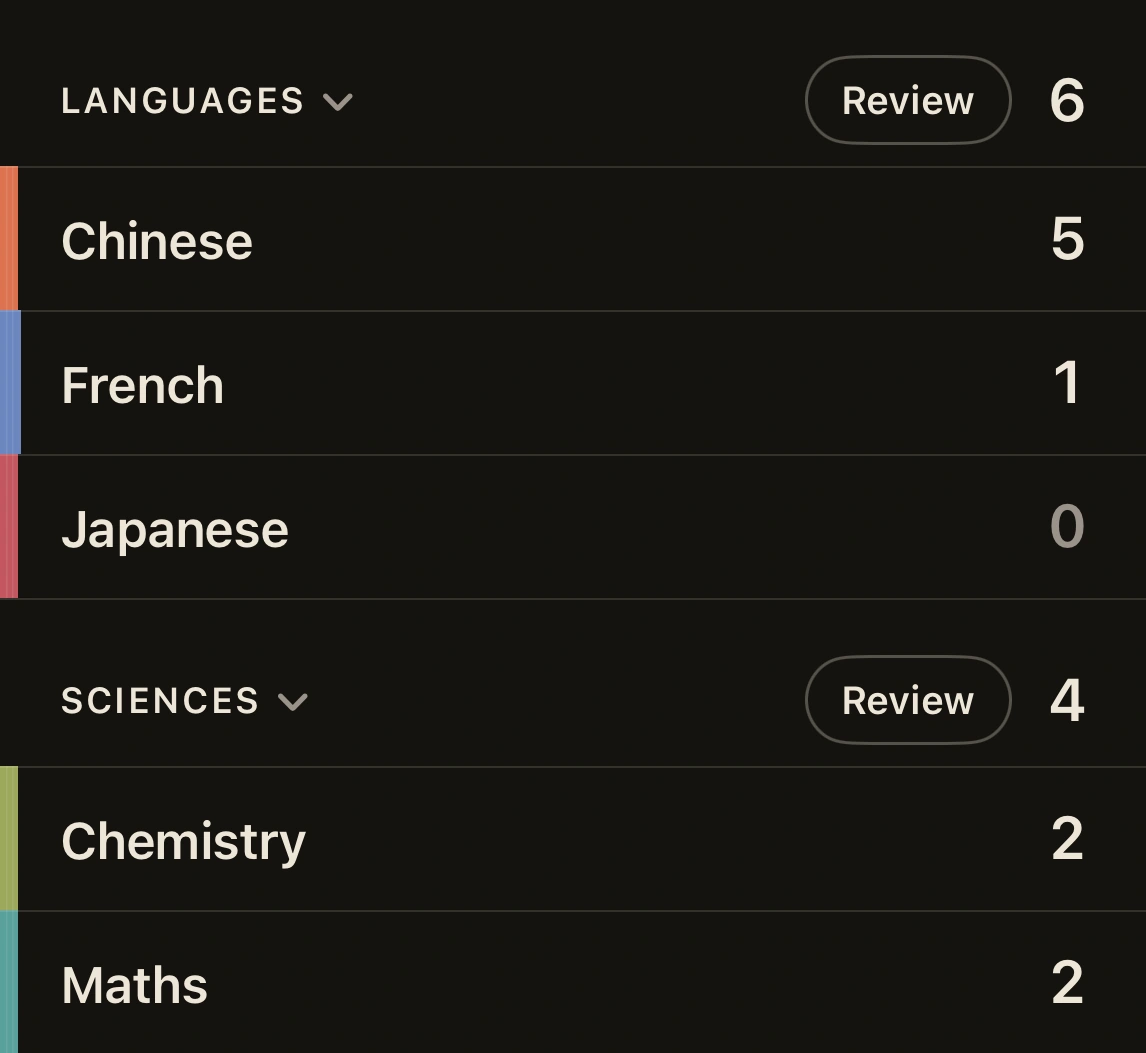
Put your decks on shelves by subject, with today’s reviews ready at the top. Open a deck to see its cards and what’s due.



Larger text, light and dark appearances, VoiceOver and Voice Control. You can study with a keyboard too.
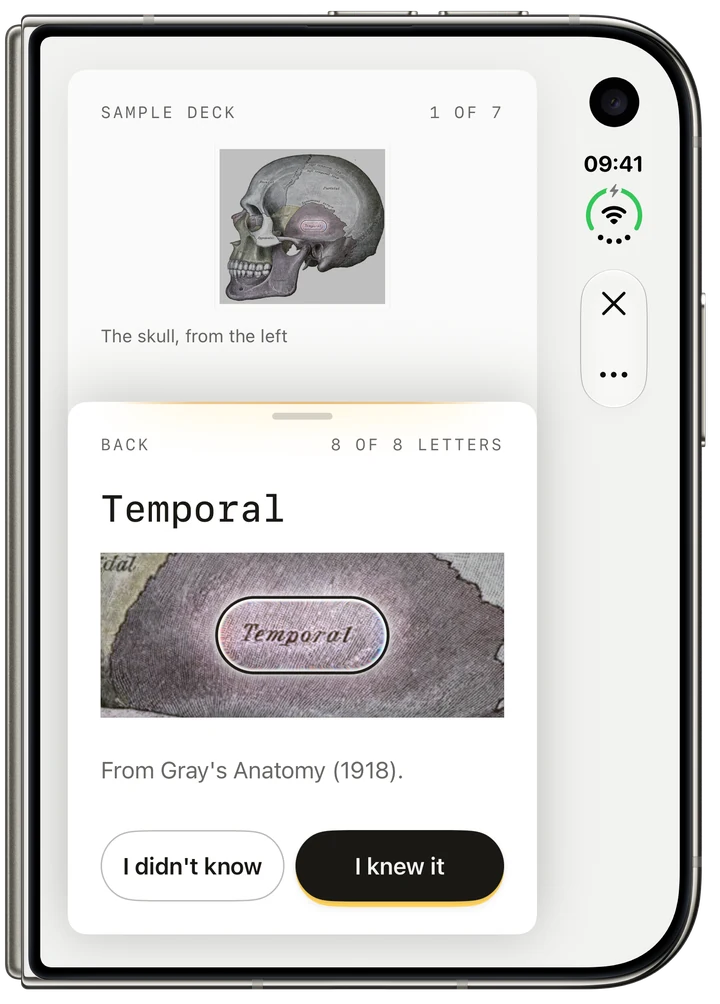
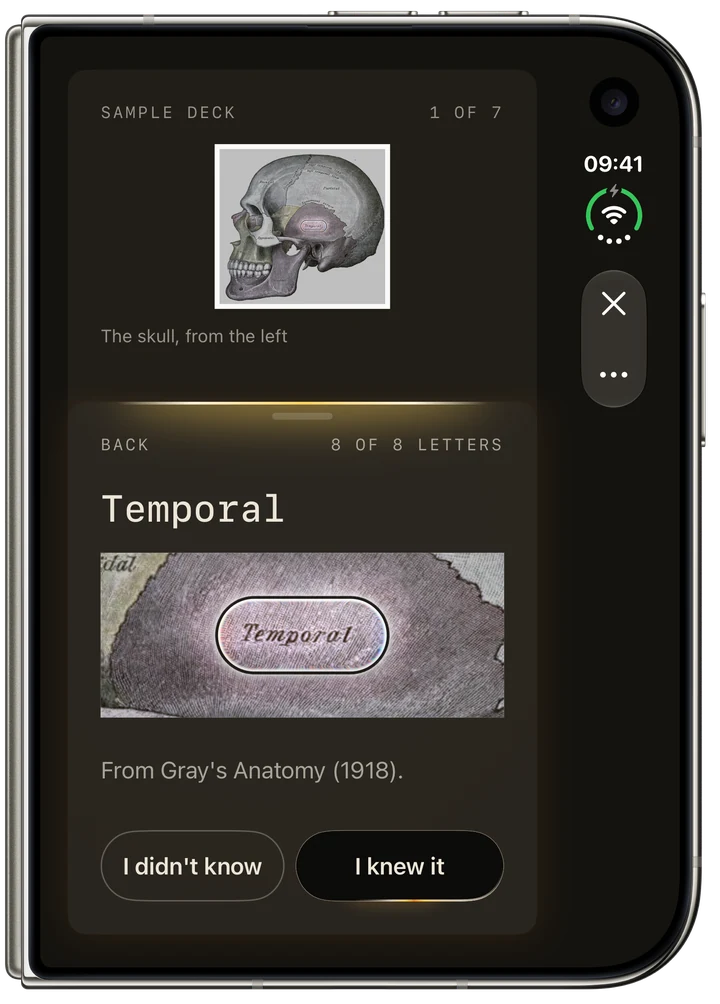
A card on the outer display. The answer slides up under your thumb.
The question on the left page, the answer on the right. Nothing sits in the fold.
Open and upright, the library: your decks in their collections, beside the deck you opened.
Beside another app, RectoVerso lays itself out as the closed phone, and the hinge still reveals.
Stood like a laptop: the question above the fold, the answer below.
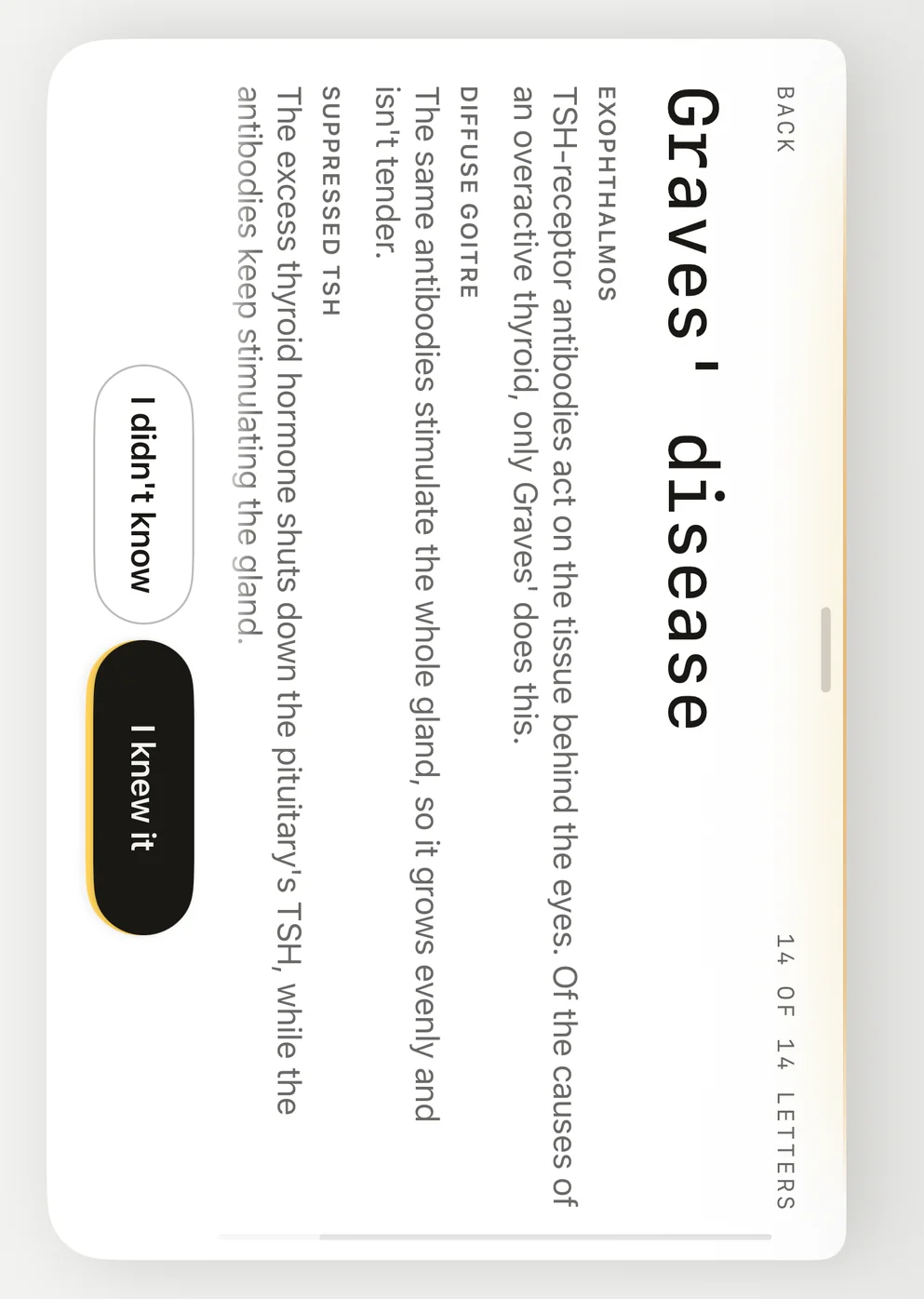
Closed and turned: the question on the left, the answer pulled through on the right.
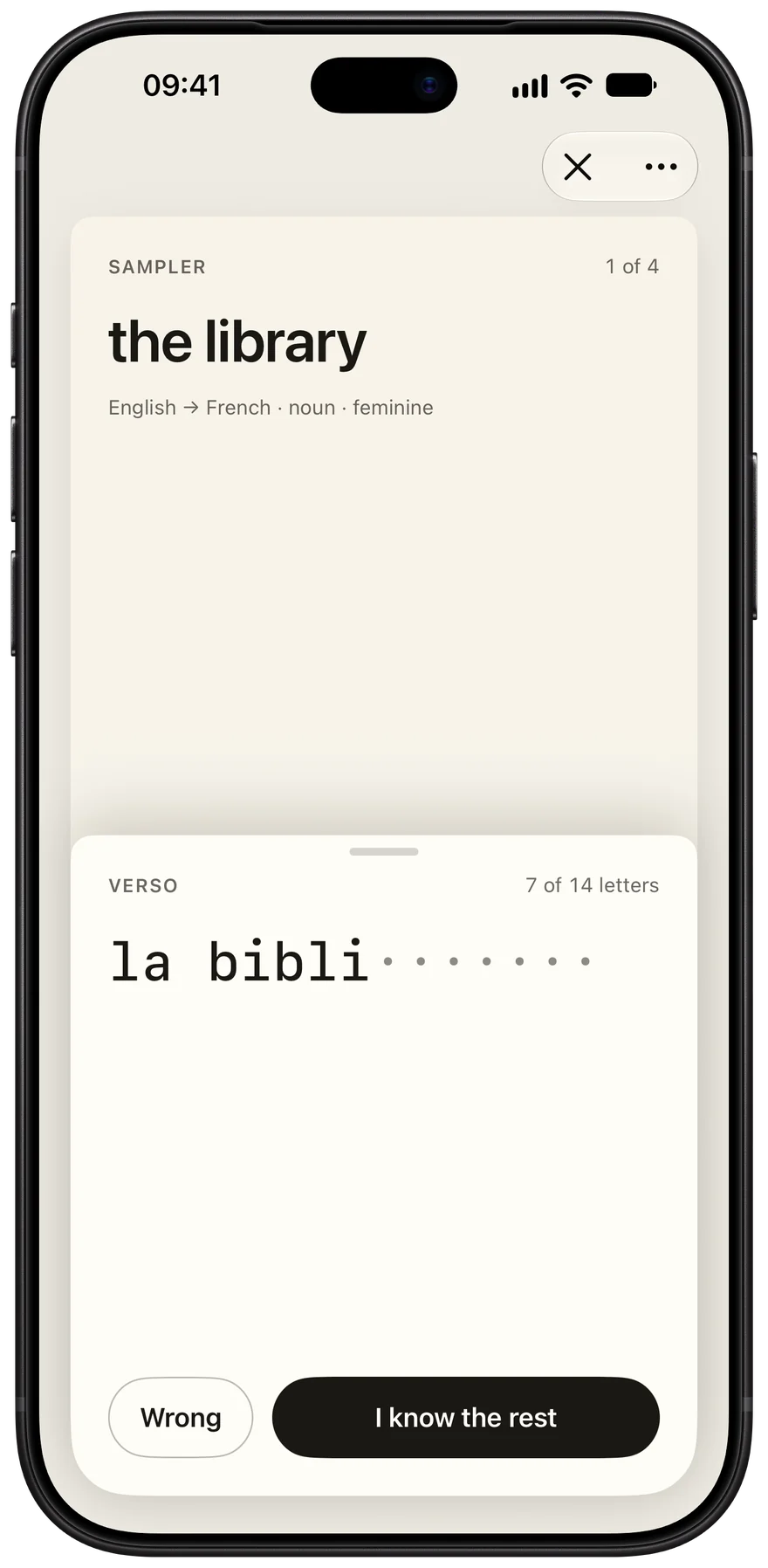
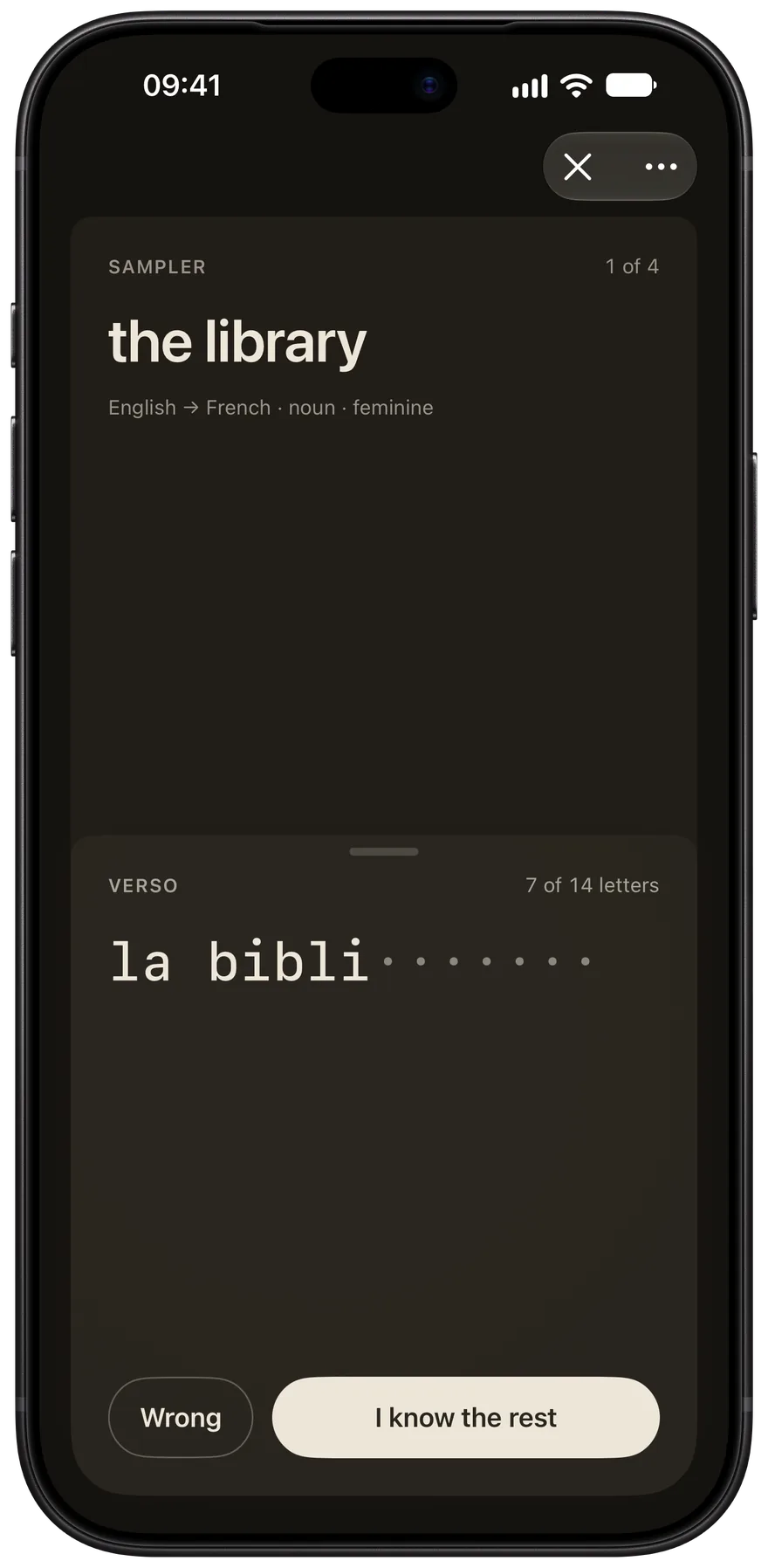
The same cards and the same measure. Slide the answer up with your thumb, as far as you need, then say whether you know it. The next card is already underneath.
No account, no tracking. Your library stays on your iPhone, with backups in your own iCloud Drive. We do not receive your cards or study history through the app. Privacy policy